

Archive — This contributor guide was published during the COVID-19 pandemic in July 2020. Named software and commercial offers reflect that period; current availability should be checked separately.
The COVID-19 pandemic led some fabrication and product-development teams to coordinate work from different locations. Remote tools can support that coordination, while physical printing, maintenance and other workshop operations still require appropriate on-site arrangements.
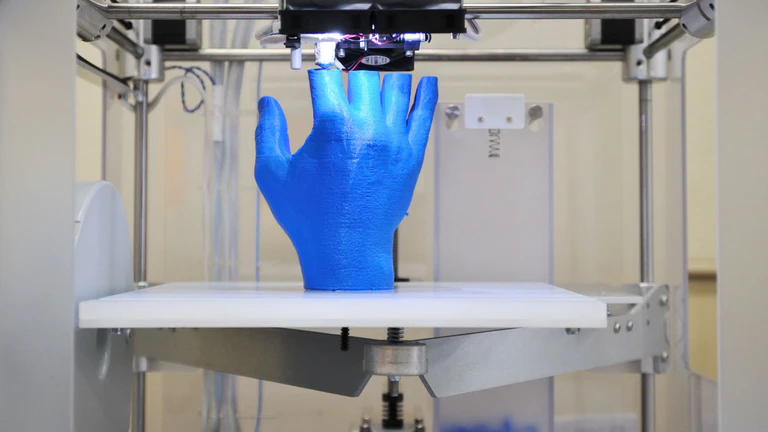
For a 3D printing service, the main questions are how to control customer files, coordinate decisions and monitor production. The following three areas provide a starting point for organising that workflow.
They should be assessed against the machines, staff, customer requirements and security controls of the business. No software platform guarantees a successful operation.
Three areas to organise for remote 3D printing
1. Manage files and project information
Choose tools that work together and support the team’s actual tasks. Define where approved files are stored, who may change them and how a revision moves from customer approval to production.
CAD software is used to create and inspect models; it is not automatically a file-hosting or project-management service. Use suitable sharing and version-control features to keep design revisions, quotations and job instructions consistent. Check file-format compatibility and permissions before relying on a remote workflow.

2. Coordinate work through a collaboration platform
A collaboration platform can bring engineers, account managers, sales staff and customers into a common workflow. Clear responsibilities, review steps and approved versions matter more than a promise to complete every project faster.

MakerOS was the example cited in this 2020 contribution for coordinating fabrication projects. The original free-trial offer is not reproduced as a current offer. Before selecting a platform, verify its availability, supported workflows, data-export options and terms.
3. Monitor printers with suitable management tools
Printer-management software may provide job status, reports and access controls, depending on the platform and machine compatibility. Capacity, licensing and network requirements should be checked. Single sign-on manages authentication; it does not by itself calculate manufacturing costs.

Evaluate how the system records errors, alerts staff and controls access to machines. Plan who can intervene on site when a print fails or equipment needs attention. Remote monitoring does not replace the manufacturer’s operating instructions or workshop supervision.
Remote access also requires a security assessment. Use restricted accounts, strong authentication, maintained software and tested backups; review how confidential customer files are stored and shared. Avoid exposing printer controls directly to the public internet. A cloud service should not be assumed secure solely because it is described as private.
Putting the workflow into practice
Start with a defined workflow, test it with the people who will use it and review the outcome. Reliable file control, clear responsibilities and an on-site response plan provide a more useful basis than promises of unlimited scale or guaranteed success.
About the contributor
Lance Clemons was presented at publication as industry marketing manager at Printzone, a supplier of printer cartridges and consumables. His contribution reflects that professional affiliation and his interest in technology trends.
THE 3D ADEPT WEEKLY NEWSLETTER
The industry moves fast. Stay ahead.
Every week, the latest additive manufacturing news, in-depth features and real-world applications, straight to your inbox. Plus, be the first to know when a new issue of 3D ADEPT Mag is out.
Free · One email a week · Unsubscribe anytime
Clicking loads our email provider’s sign-up form, including its analytics and Google’s anti-bot protection. You’re only subscribed if you complete the sign-up. Read our privacy policy.