


An OBJ file can arrive from a scan workflow, a modeling application or a generated design. A recipient may need to recognize the shape before selecting a print-preparation application. Opening that file in a browser is a useful first step, provided the review makes clear which decisions remain with the original package and the receiving production workflow.
CADProps provides an online OBJ viewer for supported triangle geometry, with rotation, zoom, section display and approximate geometric properties. Viewing and measurement can start without an account or desktop installation. Processing takes place on CADProps servers; a file should only be uploaded when its owner permits that processing.
Geometry and appearance are separate checks
An OBJ package may include material libraries or image files that another application uses to render the surface. CADProps currently displays OBJ geometry without MTL libraries or textures. A plain shaded preview therefore cannot establish that the source package contains no texture, or that a full-color printing workflow will reproduce the intended appearance.
The public box shown here makes that limit explicit. Its properties panel labels the preview approximate and says that unitless input is assumed to be millimeters. The 10 × 20 × 30 mm dimensions describe this teaching model under that assumption, rather than validating an unknown customer’s export.
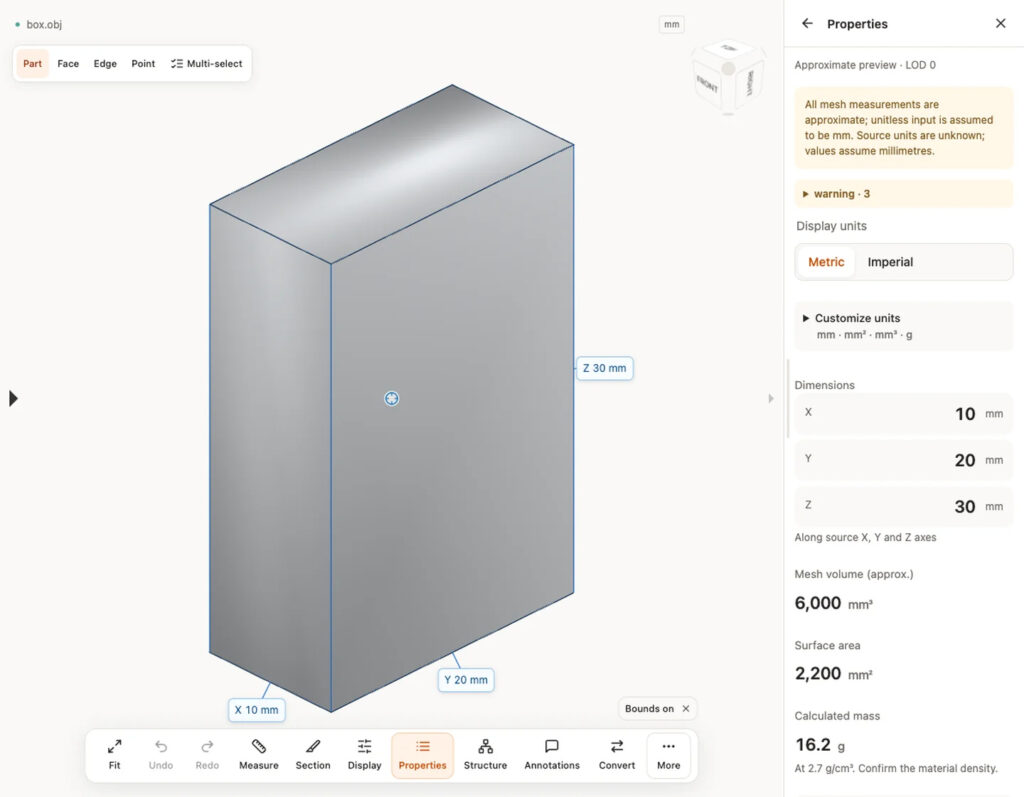
Keep the original package and its relative file layout available for the intended receiving software. A screenshot is useful for identifying a visible shape, but cannot stand in for the resources or settings that the next application needs.
A second mesh format does not remove uncertainty
A free STL viewer can provide the corresponding geometric review when the supplied file is STL. STL does not carry a standard physical-unit declaration. Confirm the intended scale with the sender rather than assuming that a convenient-looking model has the right physical dimensions.
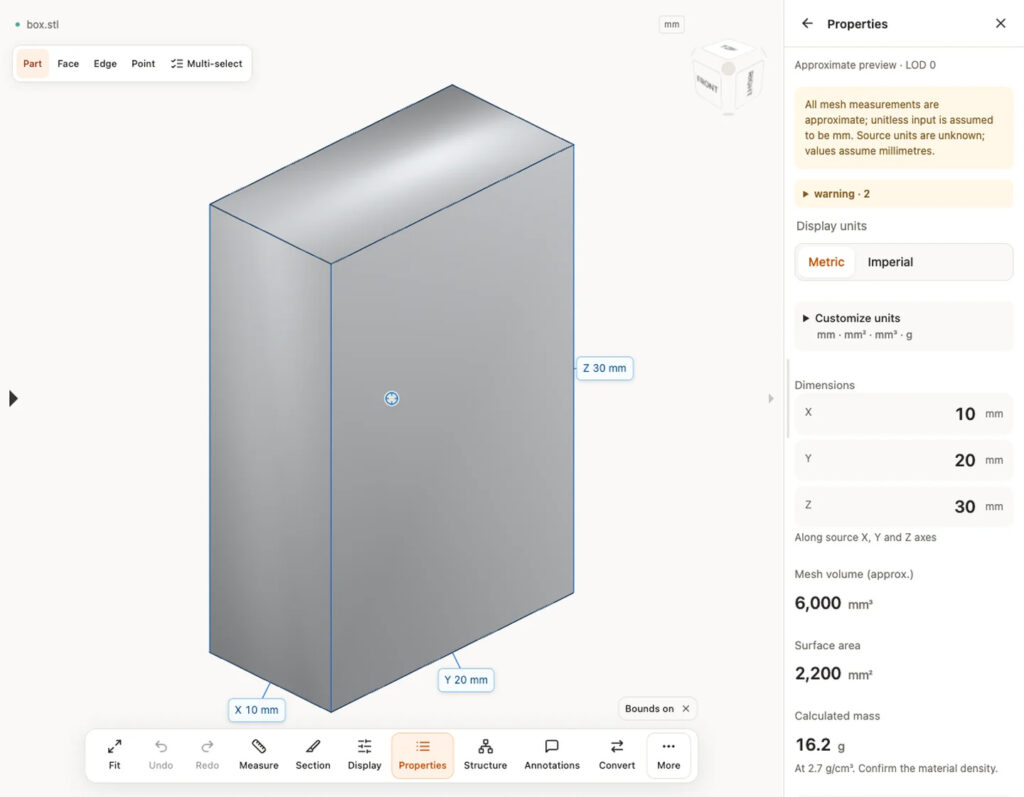
Closed mesh volume, when available, is also an approximate geometric result. Missing volume is not zero. The displayed mass in these examples uses a selected density; it is not a prediction of material use after supports, infill and a production process have been chosen. The calculation notes explain those distinctions.
Pass a concrete question downstream
A useful intake note records the file and revision, the intended units, the representation actually read, and any missing-resource or geometry warning. It can then identify the next check: surface appearance in the color workflow, mesh suitability in print preparation, or a request for an identified source export.
The browser review does not generate supports, slice the model, qualify a build or certify an inspected part. Supported static GLB/glTF geometry offers another viewing route, but CADProps does not display its textures, animation, skinning or required extensions. Format support should always be stated with those limits.
Guest copies are temporary. Conversion, account storage and share creation require sign-in, and a shared 3D view can still disclose sensitive shape information. The file-handling policy should be checked before using a confidential input.
For this workflow, the practical result is an identified geometric view and a specific unresolved question for the next operator. Keep that question attached to the source package so a successful preview is not mistaken for a completed production-preparation decision.
CADProps is an independent project that began in Singapore in 2025. It supplies browser tools for inspecting supported CAD and mesh formats.
THE 3D ADEPT WEEKLY NEWSLETTER
The industry moves fast. Stay ahead.
Every week, the latest additive manufacturing news, in-depth features and real-world applications, straight to your inbox. Plus, be the first to know when a new issue of 3D ADEPT Mag is out.
Free · One email a week · Unsubscribe anytime
Clicking loads our email provider’s sign-up form, including its analytics and Google’s anti-bot protection. You’re only subscribed if you complete the sign-up. Read our privacy policy.